Find the dark matter
on your hard drive.
A free macOS disk space analyzer with interactive visualizations, duplicate detection, and developer tools.
Analysis
Two ways to explore your storage
Interactive visualizations that let you drill into every corner of your drive. Click into folders, preview files with Quick Look, and add anything to the cleanup queue.
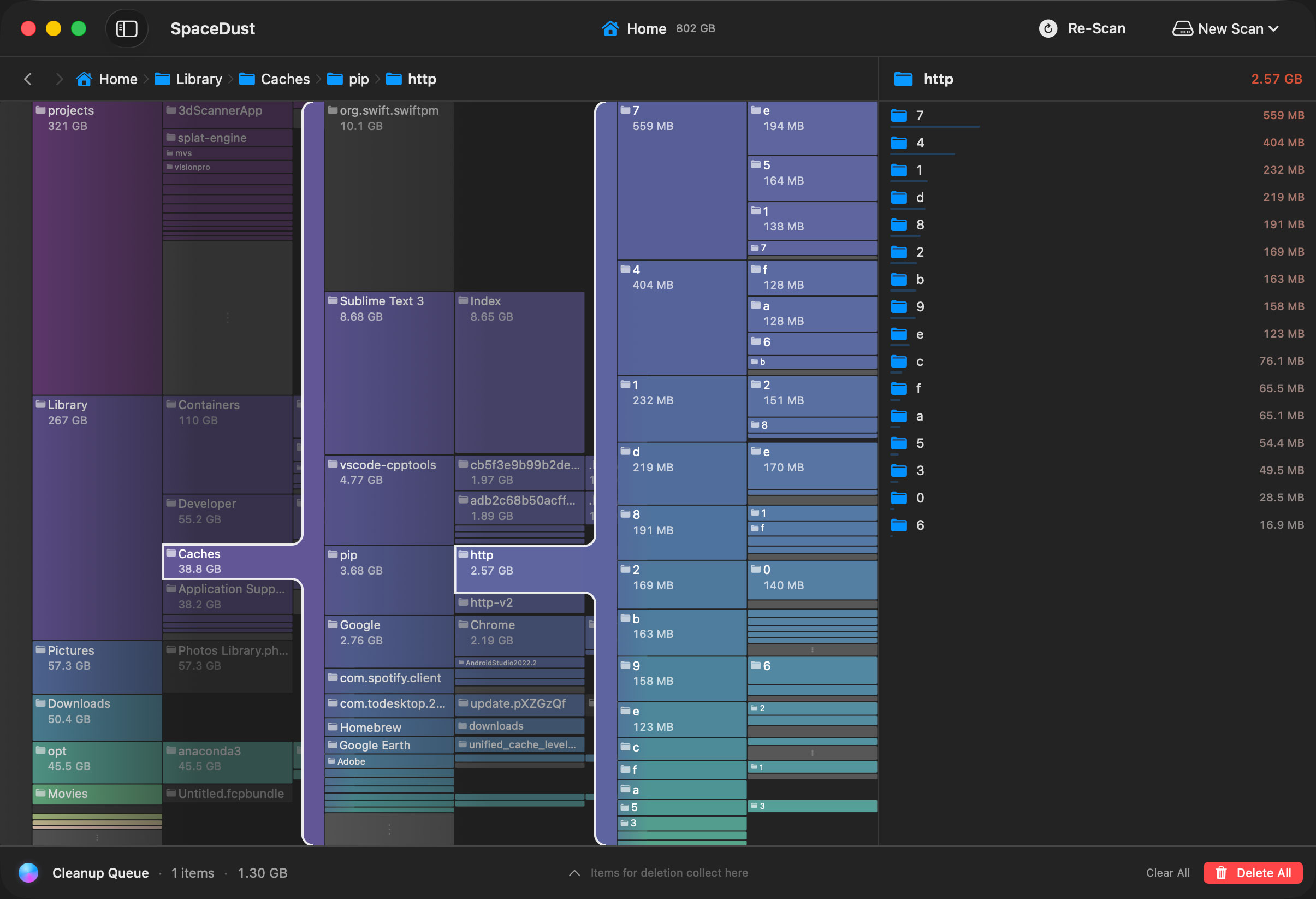
Folder Map
An expanding icicle chart that scrolls horizontally as you dig deeper into your directory tree. Each column reveals the next level — you never lose context of where you came from.
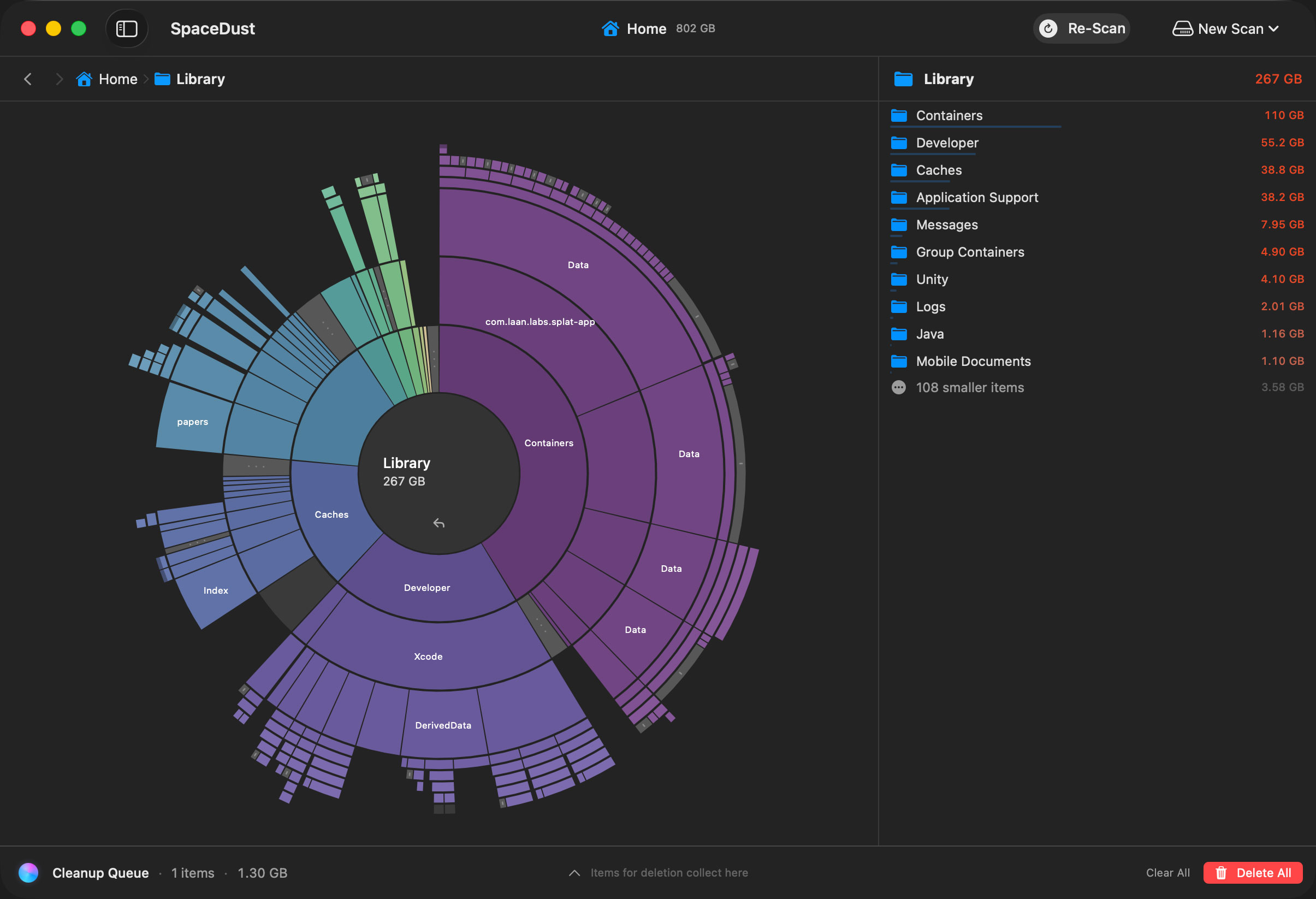
Radial Map
A sunburst visualization showing your disk usage at a glance. Click into any ring segment to zoom in and explore nested directories.
Developer Tools
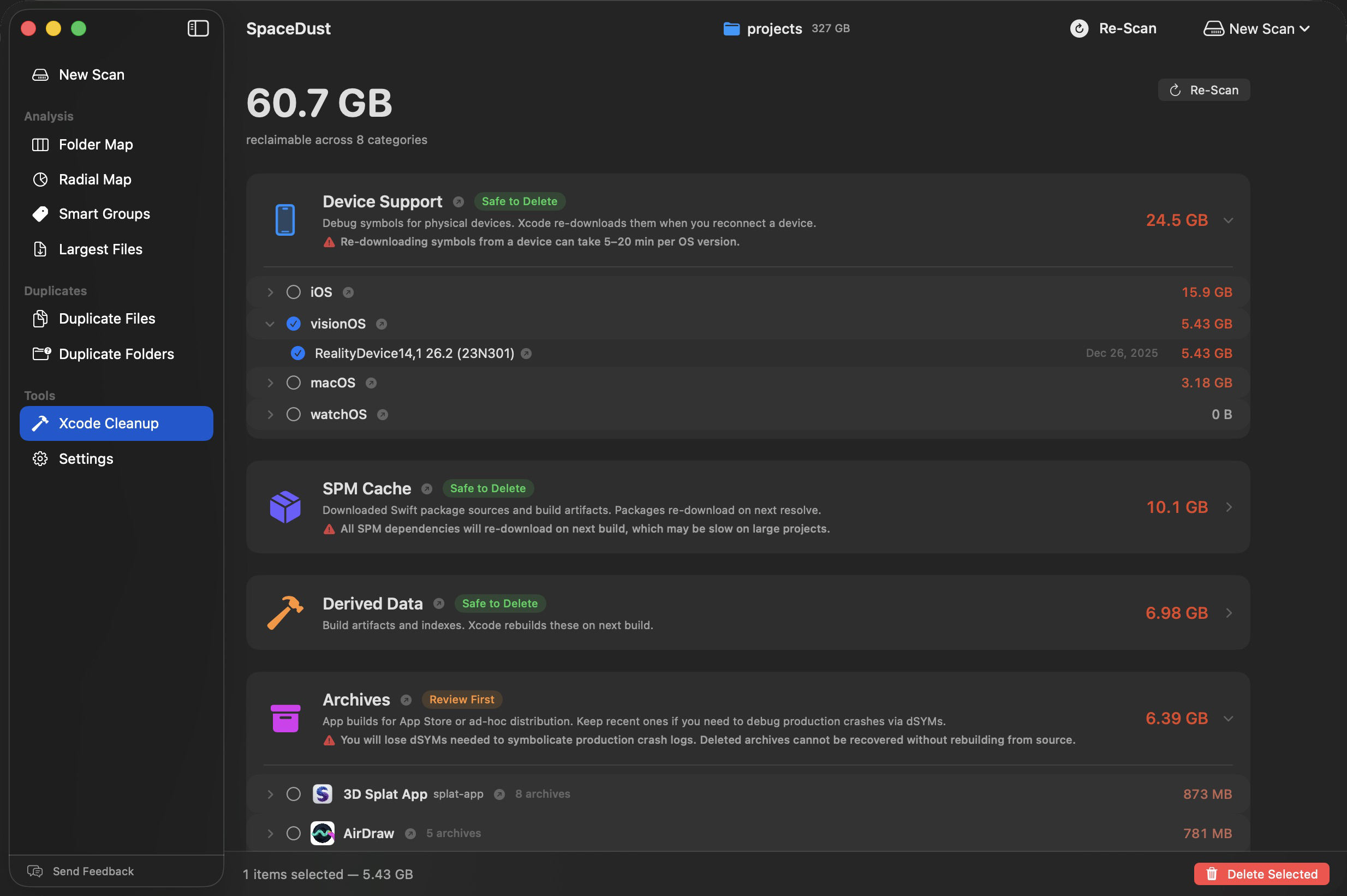
Xcode Cleanup
Xcode silently hoards tens of gigabytes of build artifacts, device symbols, old simulators, and package caches. SpaceDust scans every known location and labels each category so you know what's safe to nuke and what deserves a second look.
Tools
More than just a pretty chart
Smart file grouping, duplicate detection, and more — everything you need to reclaim disk space without the bloat.
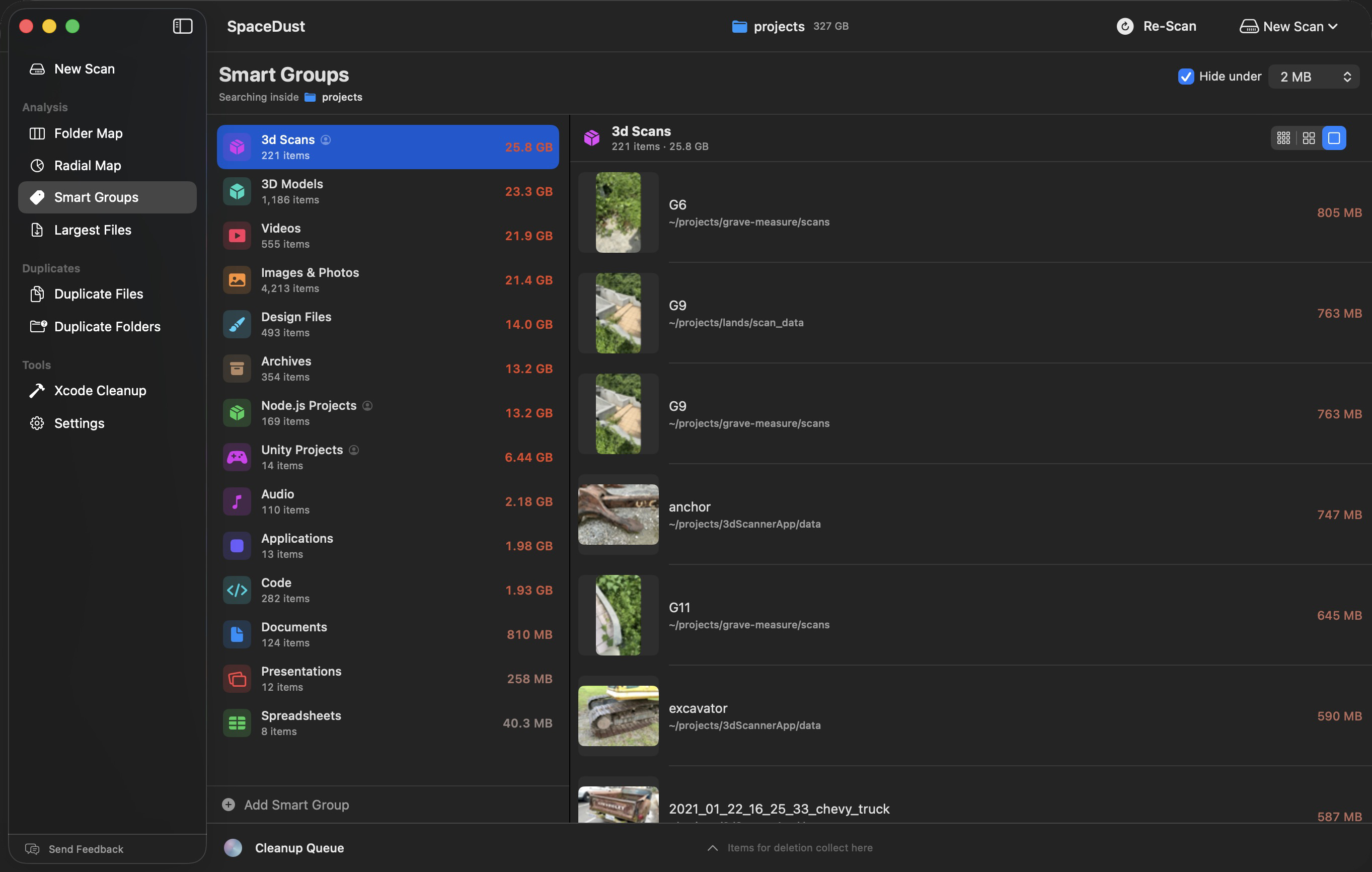
Smart Groups
Automatically categorizes files into groups like Videos, Archives, Node.js Projects, and Unity Projects. Create custom rule-based groups to find exactly what you're looking for.
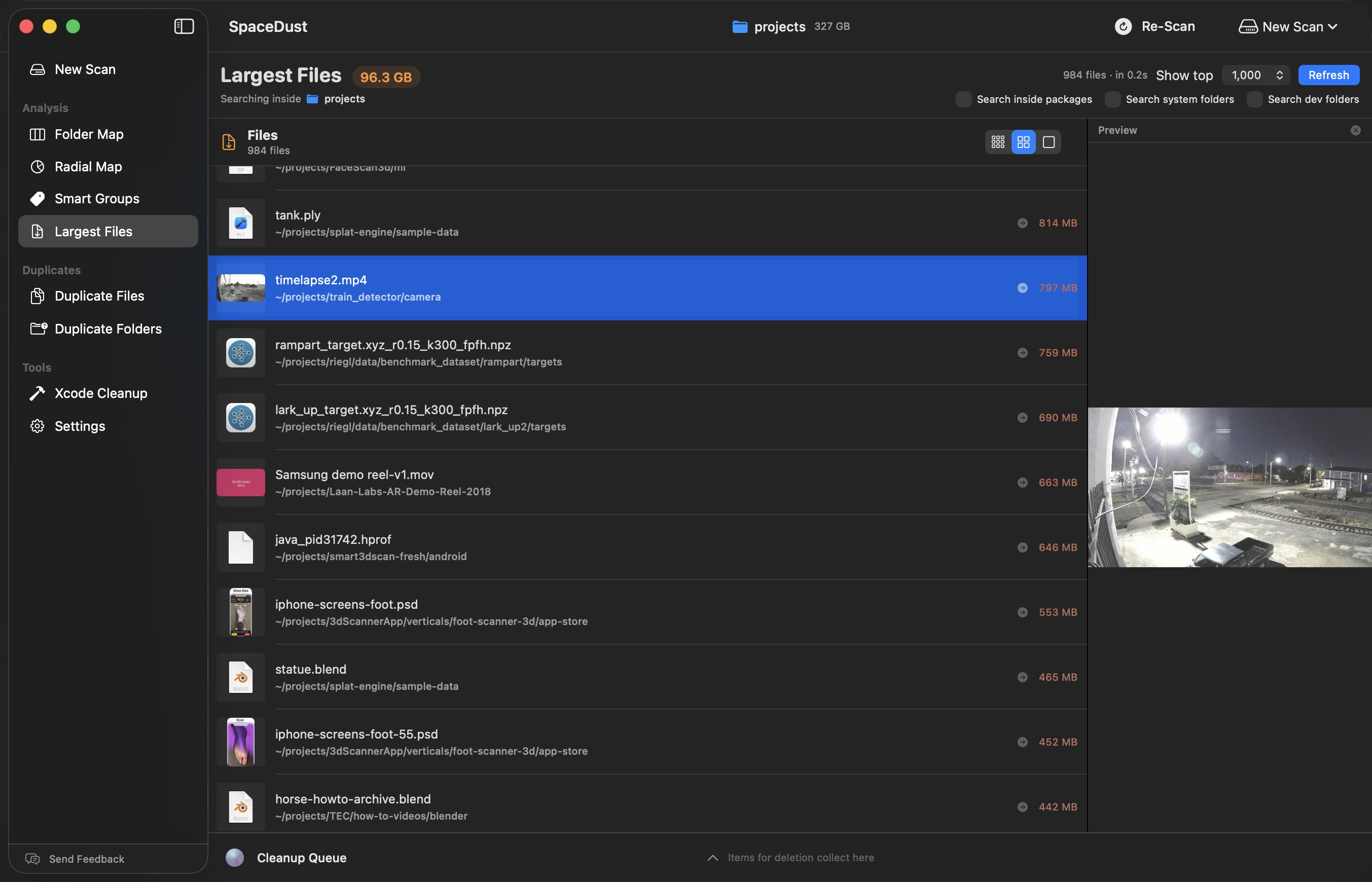
Largest Files
Instantly find the biggest files on your drive, sorted by size. Preview any file directly in the app to decide if it stays or goes.
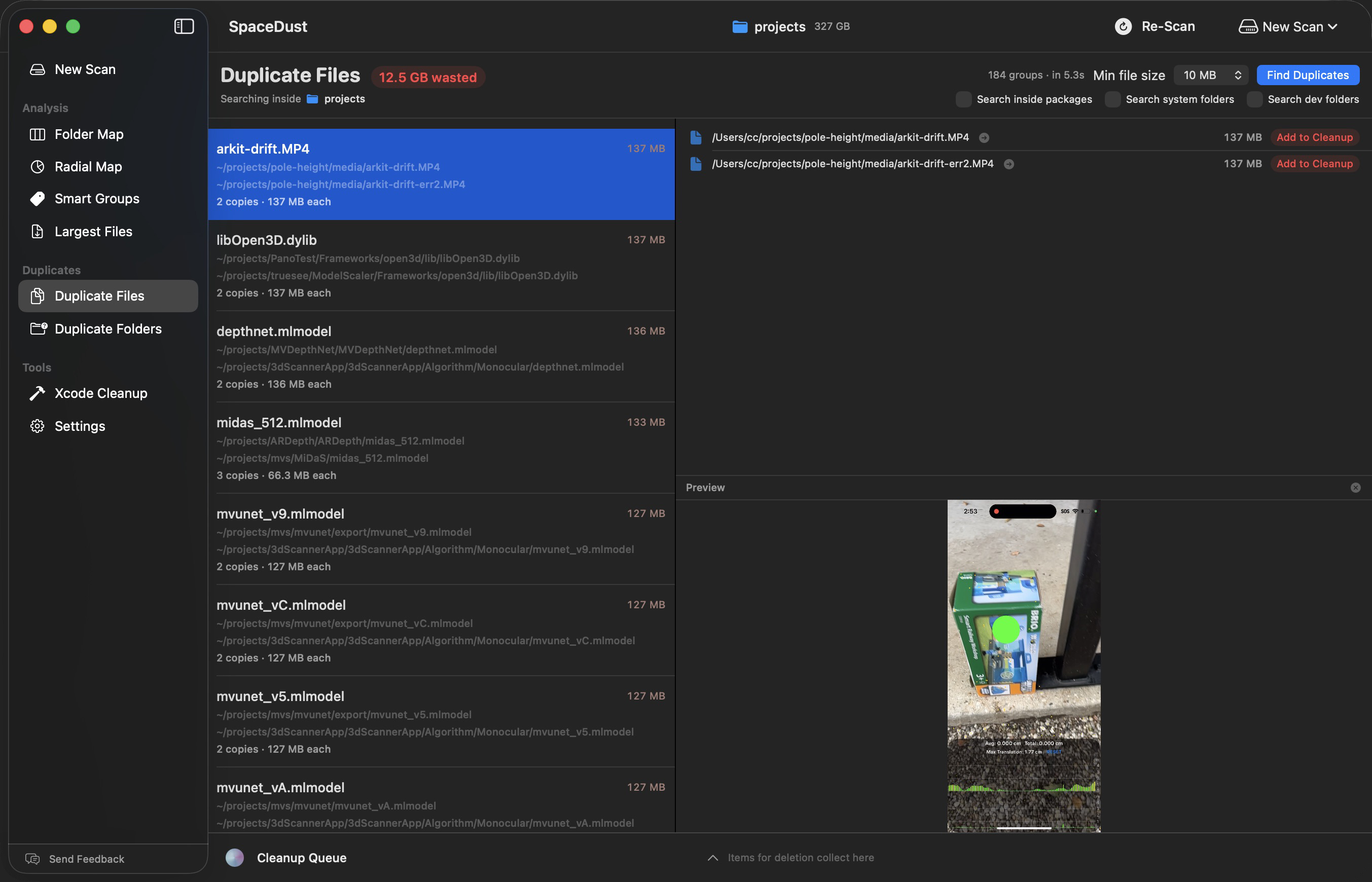
Duplicate Files
Content-hash based duplicate detection finds identical files across your drive and shows you exactly how much space you can recover.
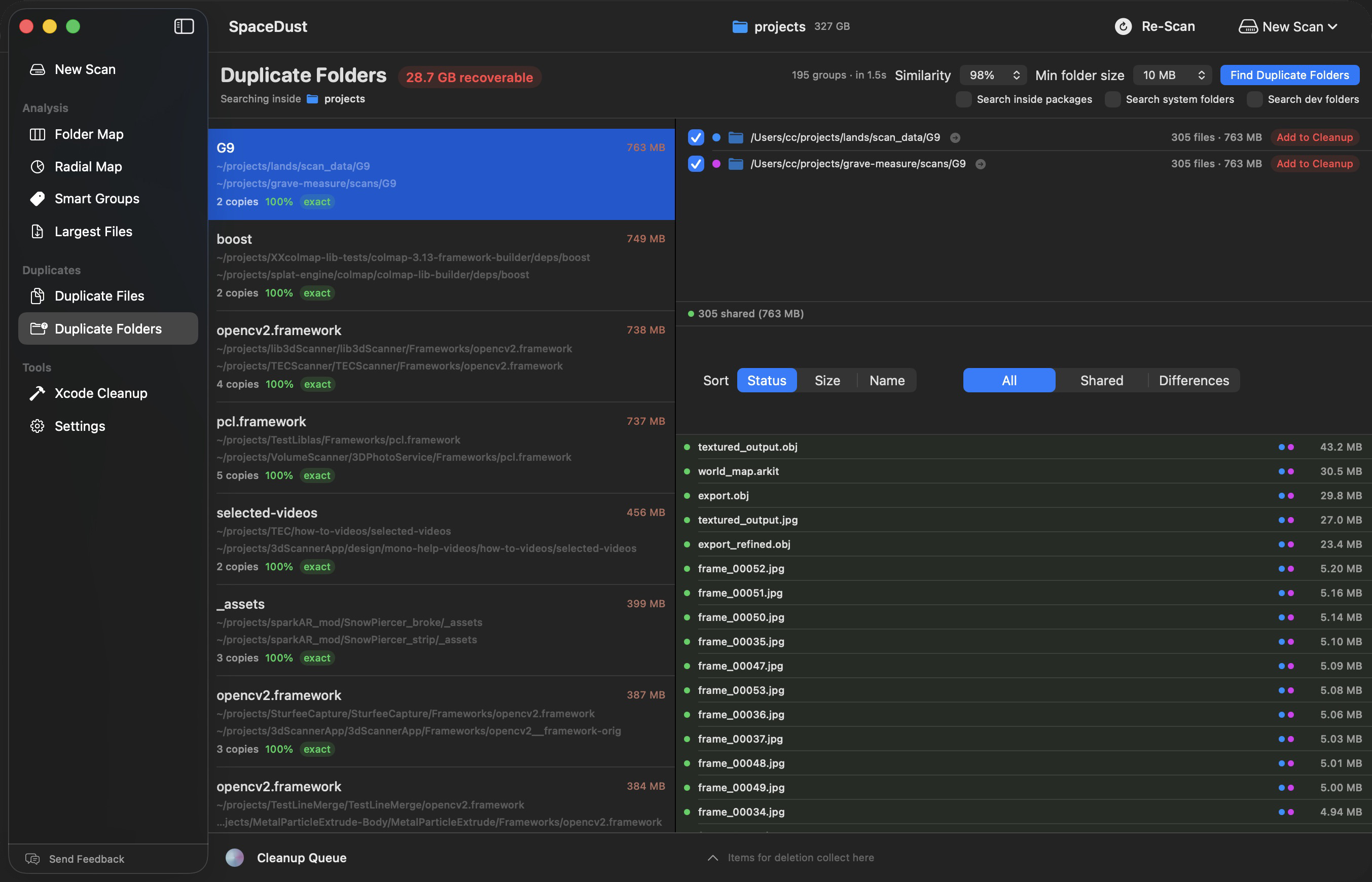
Duplicate Folders
Goes beyond files — detects near-identical directory trees with adjustable similarity thresholds, perfect for finding copied project folders.
Go find your dark matter.
SpaceDust is free on the Mac App Store. Scan a drive and see where it all went.
Free Download